

Kaizen OCR is a comprehensive Windows desktop software that extracts text from images and PDFs usingadvanced OCR technology. Fully offline, 100% private, with support for 100+ languages and batch processing.
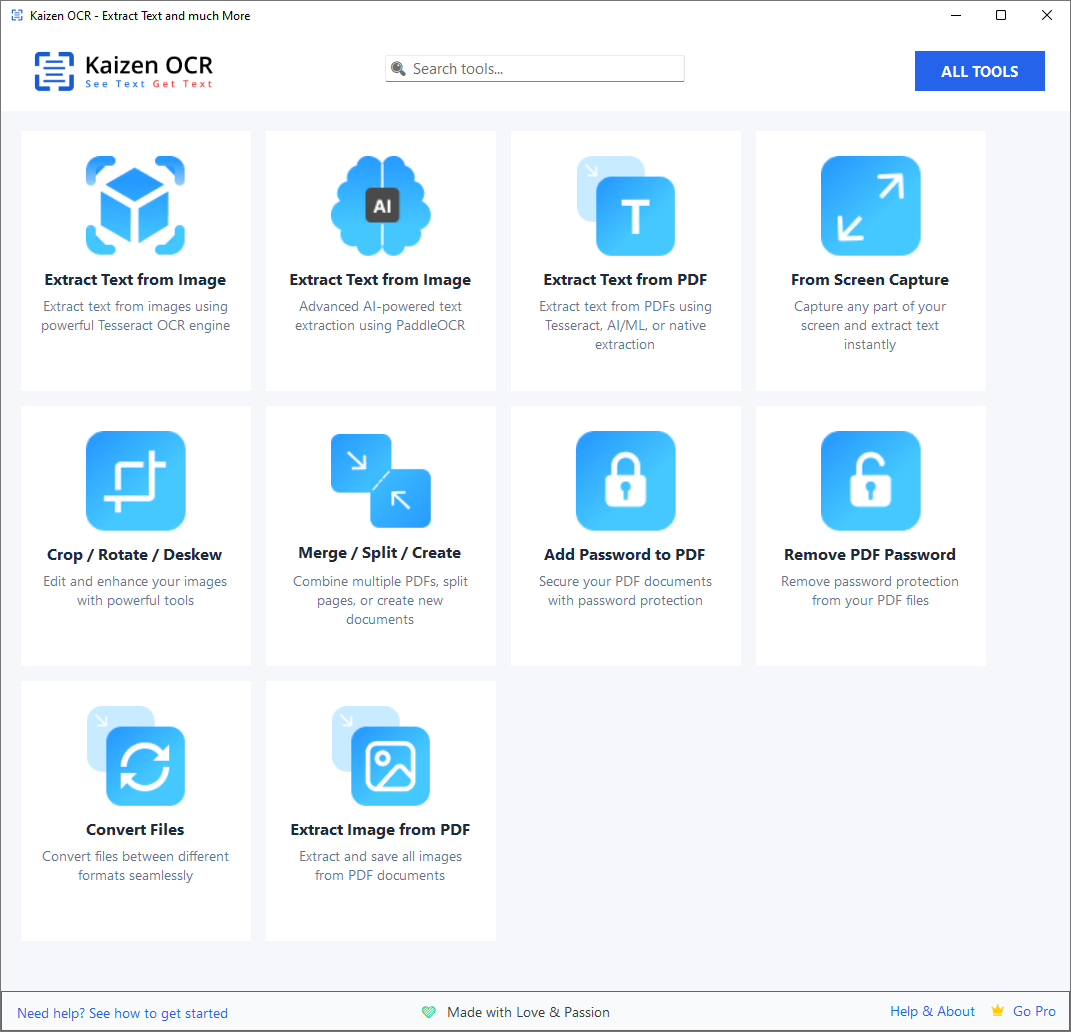
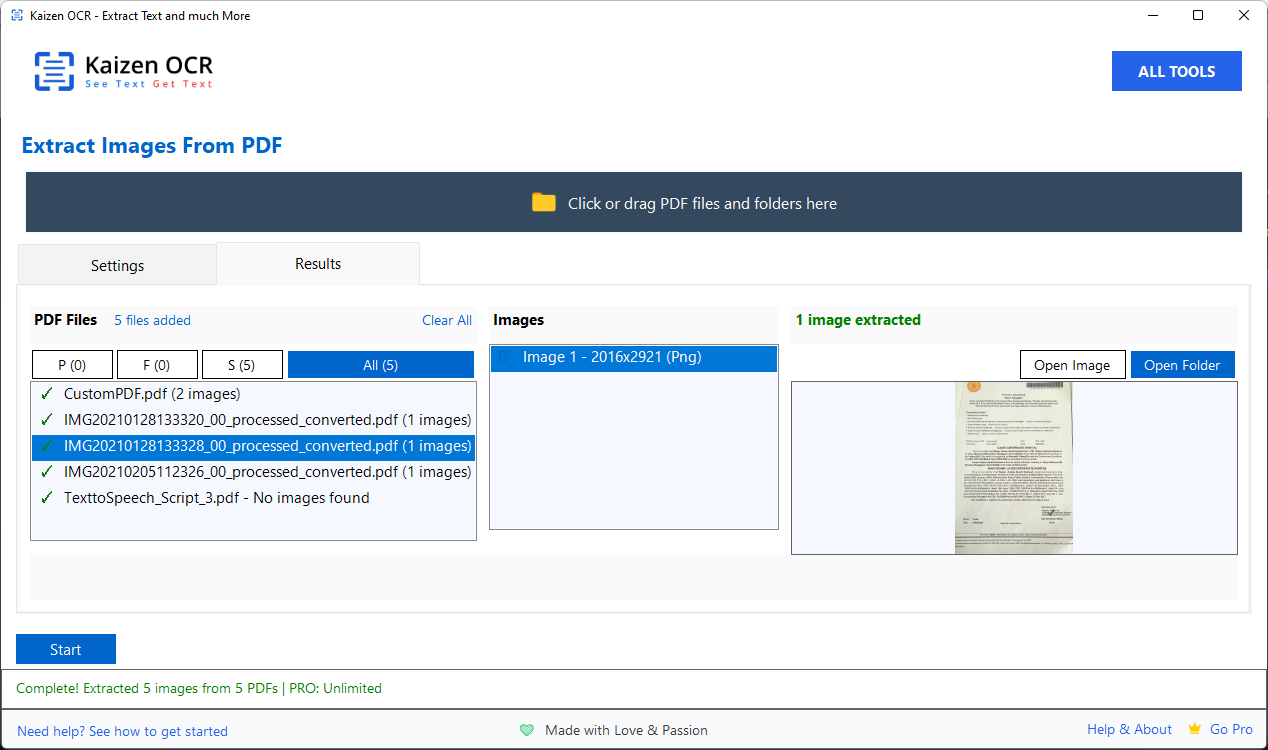
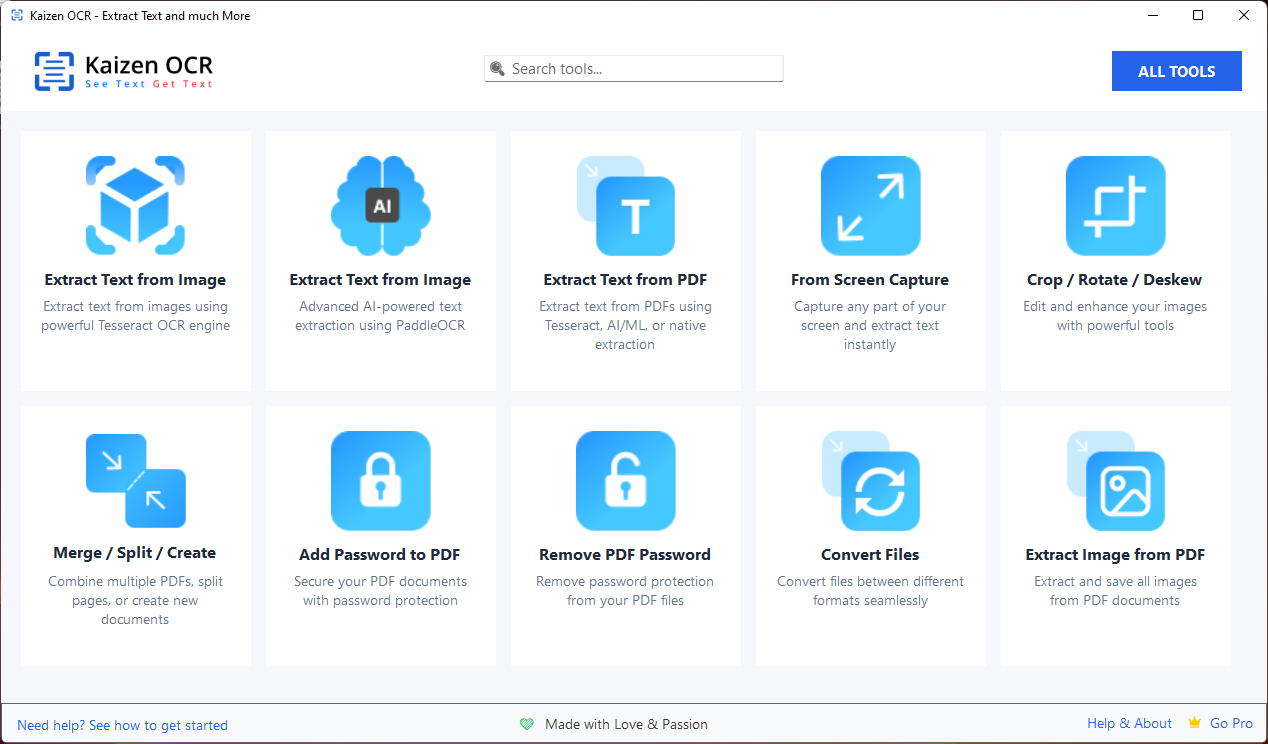
10 powerful features to handle all your text extraction and PDF needs. Every feature works completely offline with batch support.
Tesseract OCR with 100+ language support
Advanced AI/ML powered OCR engine
Native & OCR extraction modes
Capture & extract text instantly
Auto-enhance document images
Combine & customize PDFs
Secure your PDF documents
Unlock protected PDFs
13+ format conversions
Save all embedded images
Extract text from any image using the powerful Tesseract OCR engine. Perfect for documents, receipts, screenshots, and more.
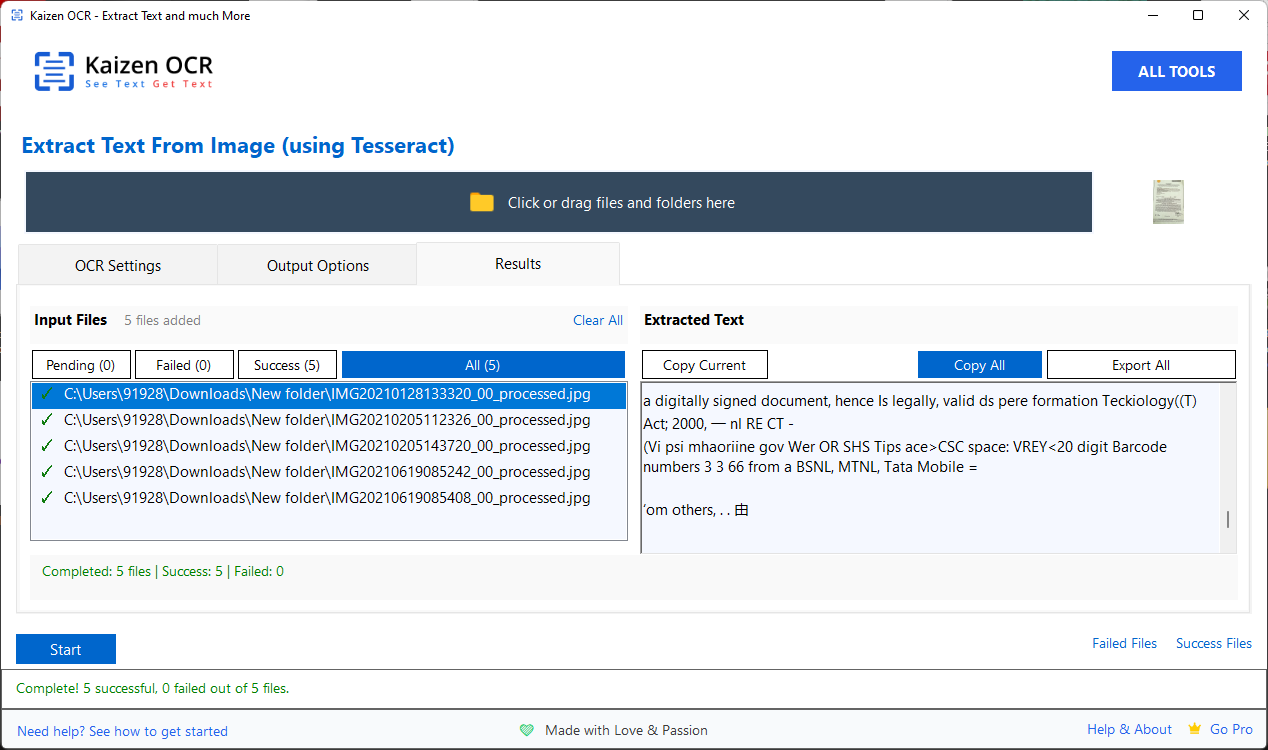
Advanced AI/ML-based OCR for superior accuracy on complex documents. Excels at extracting tables and structured data.
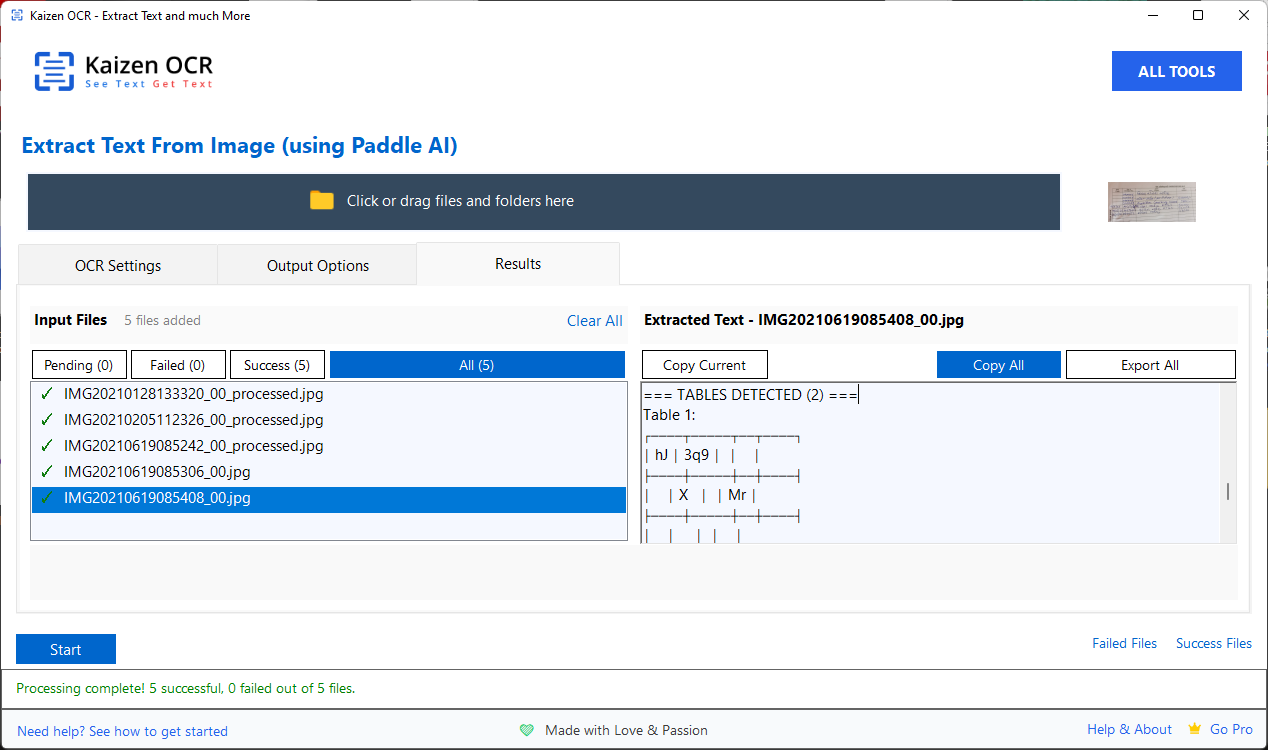
Extract text from any PDF file—whether it contains native text or scanned images.
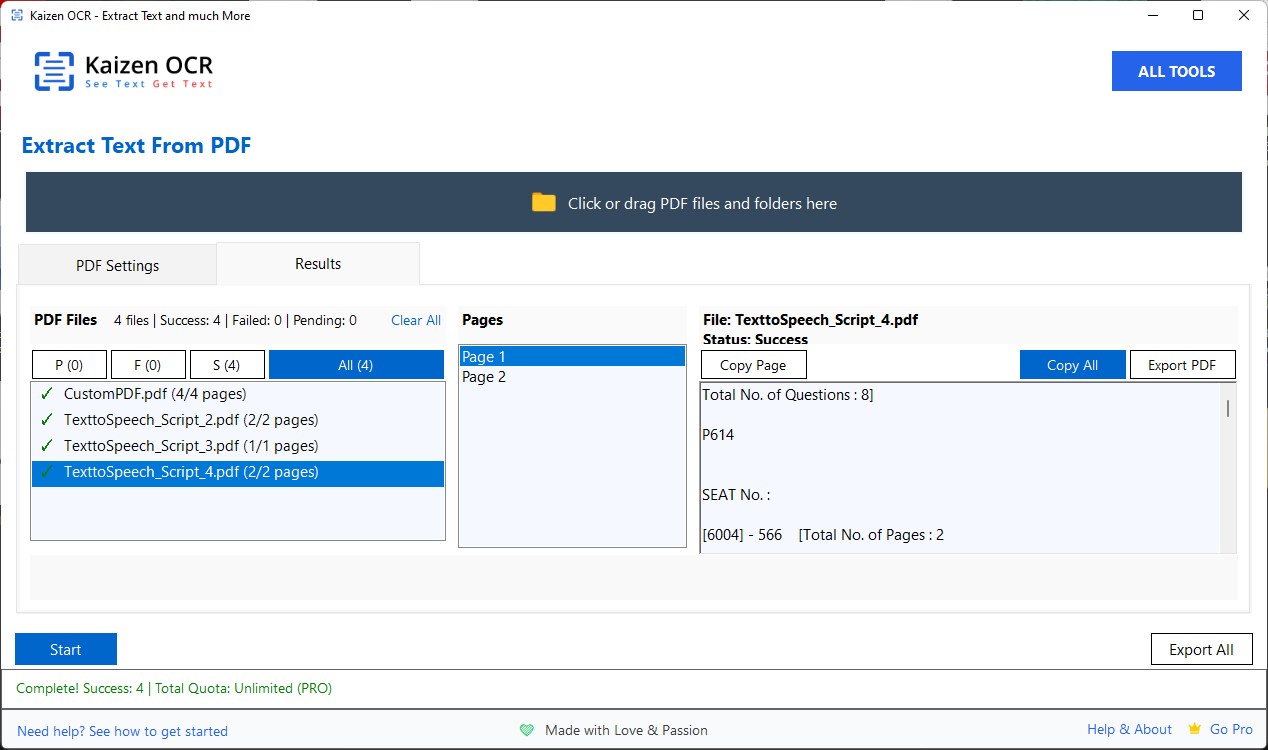
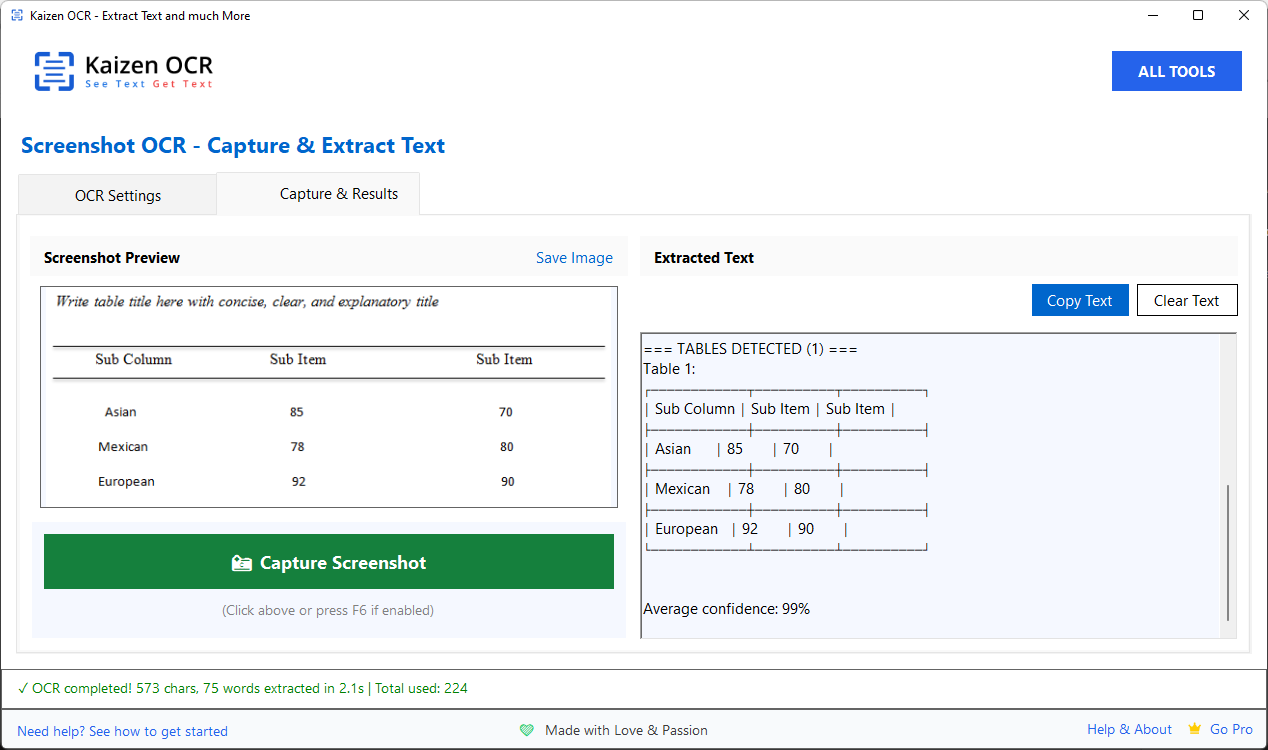
Capture any part of your screen and instantly extract text. Perfect for grabbing text from videos, presentations, or websites.
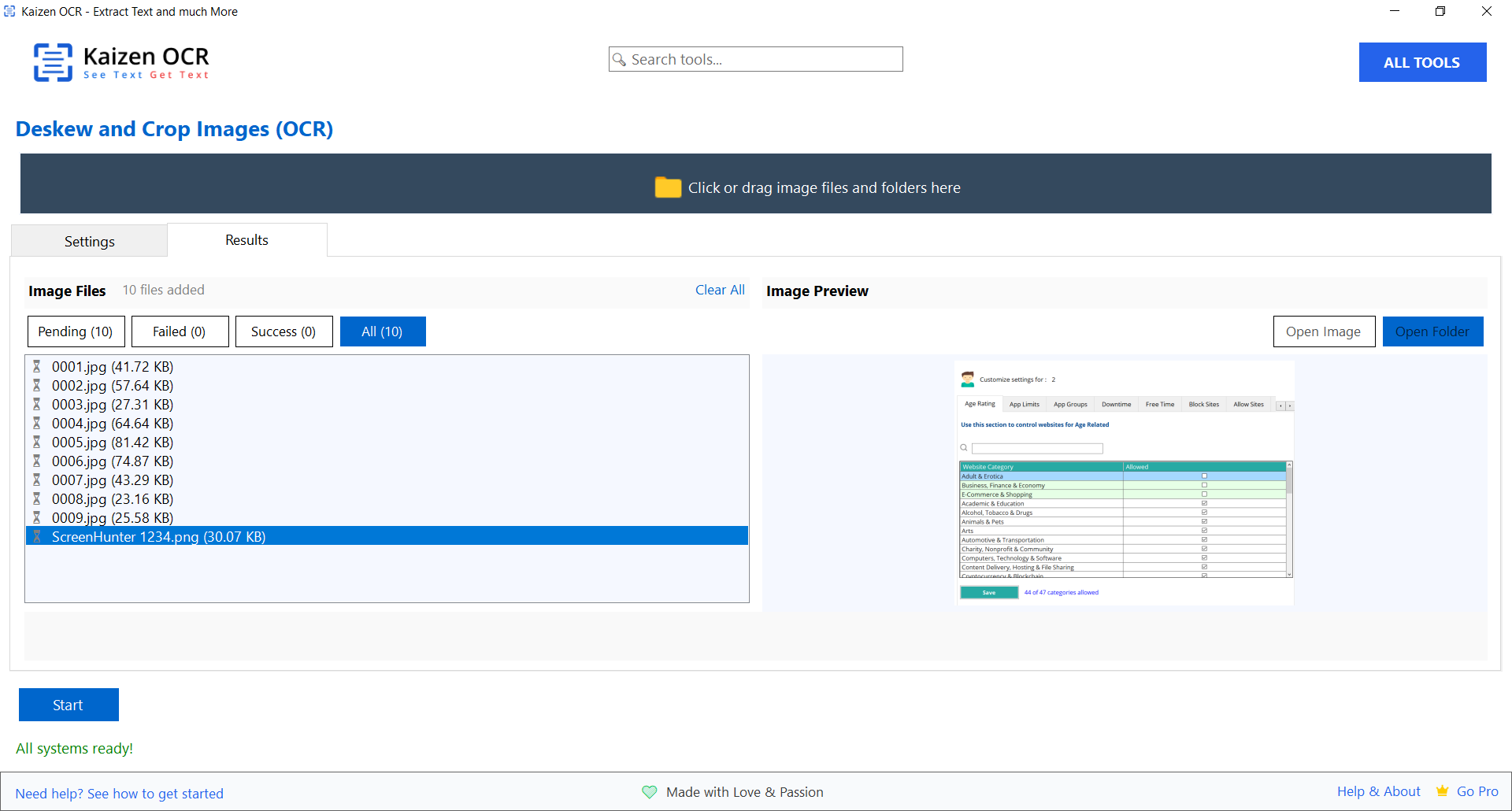
Automatically enhance document photos taken with your phone. AI-powered detection finds document edges and straightens skewed text.
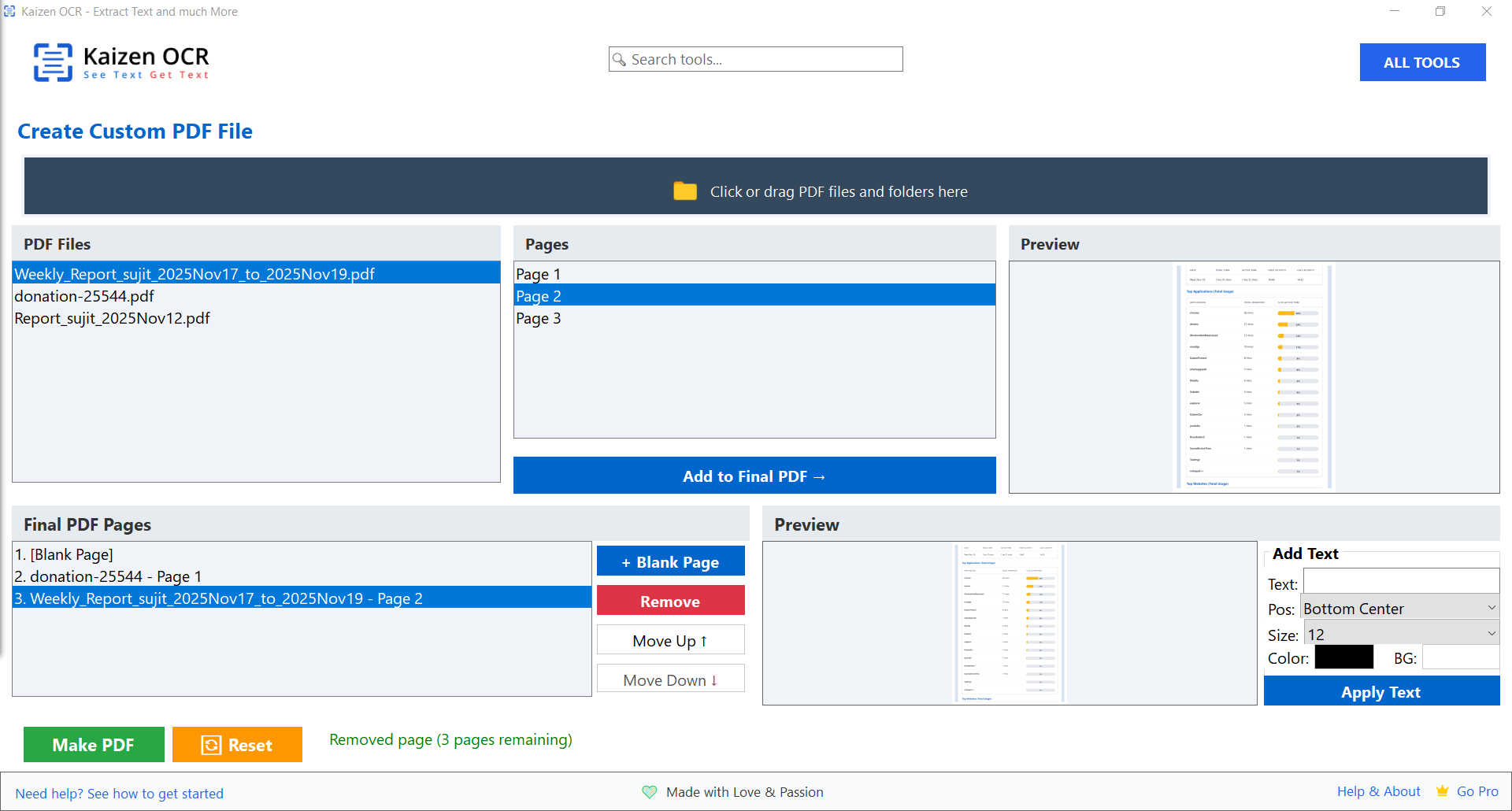
Combine pages from multiple PDFs into a single document. Rearrange pages, add blank pages, and annotate with custom text.
Protect your sensitive PDF documents with strong password encryption. Batch process multiple files at once.

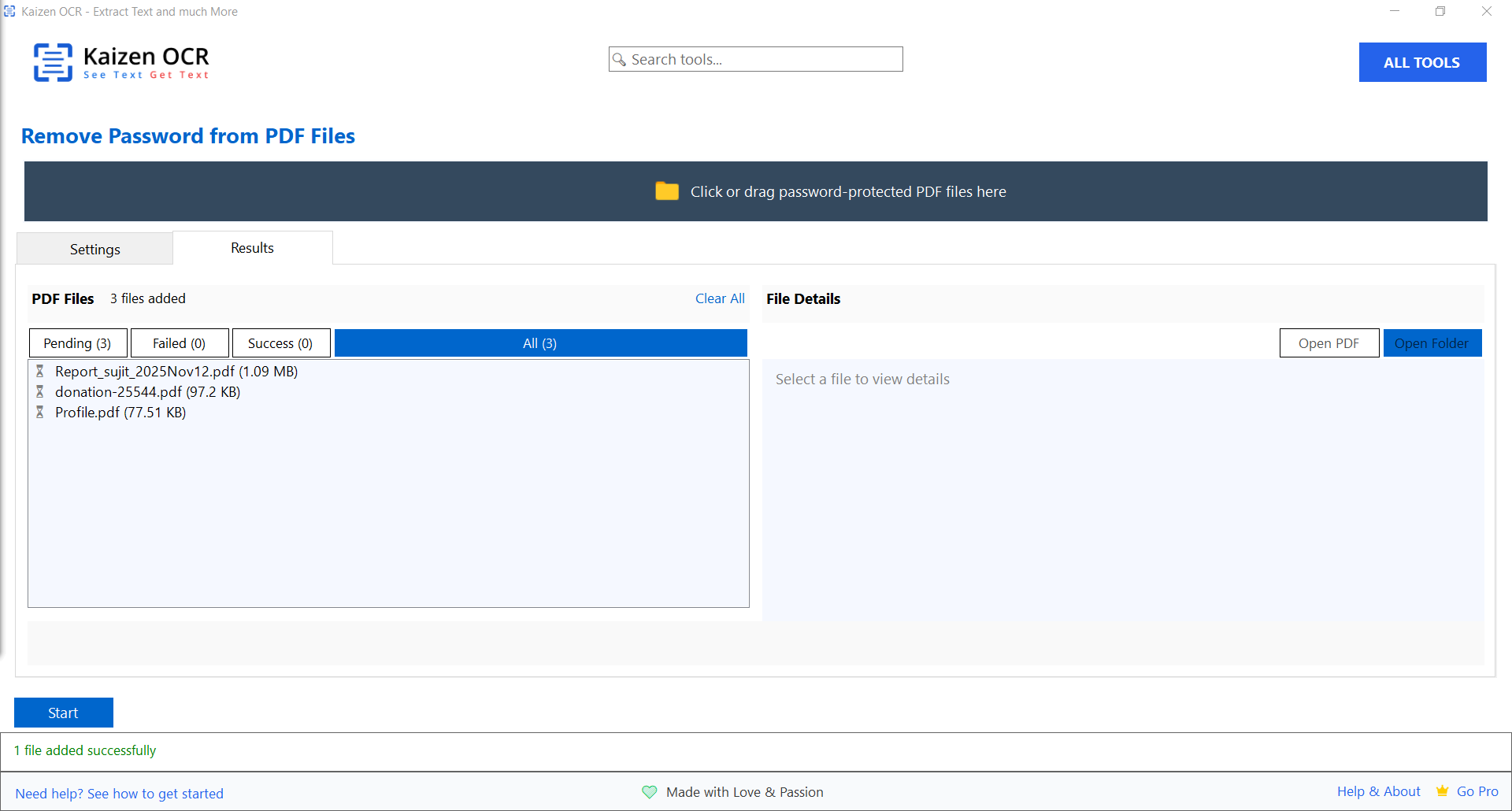
Remove password protection from your PDF files when you know the password. Create unlocked copies for easier sharing.
Convert documents and images between 13+ different formats. Transform PDFs to Word, images to documents, and more.
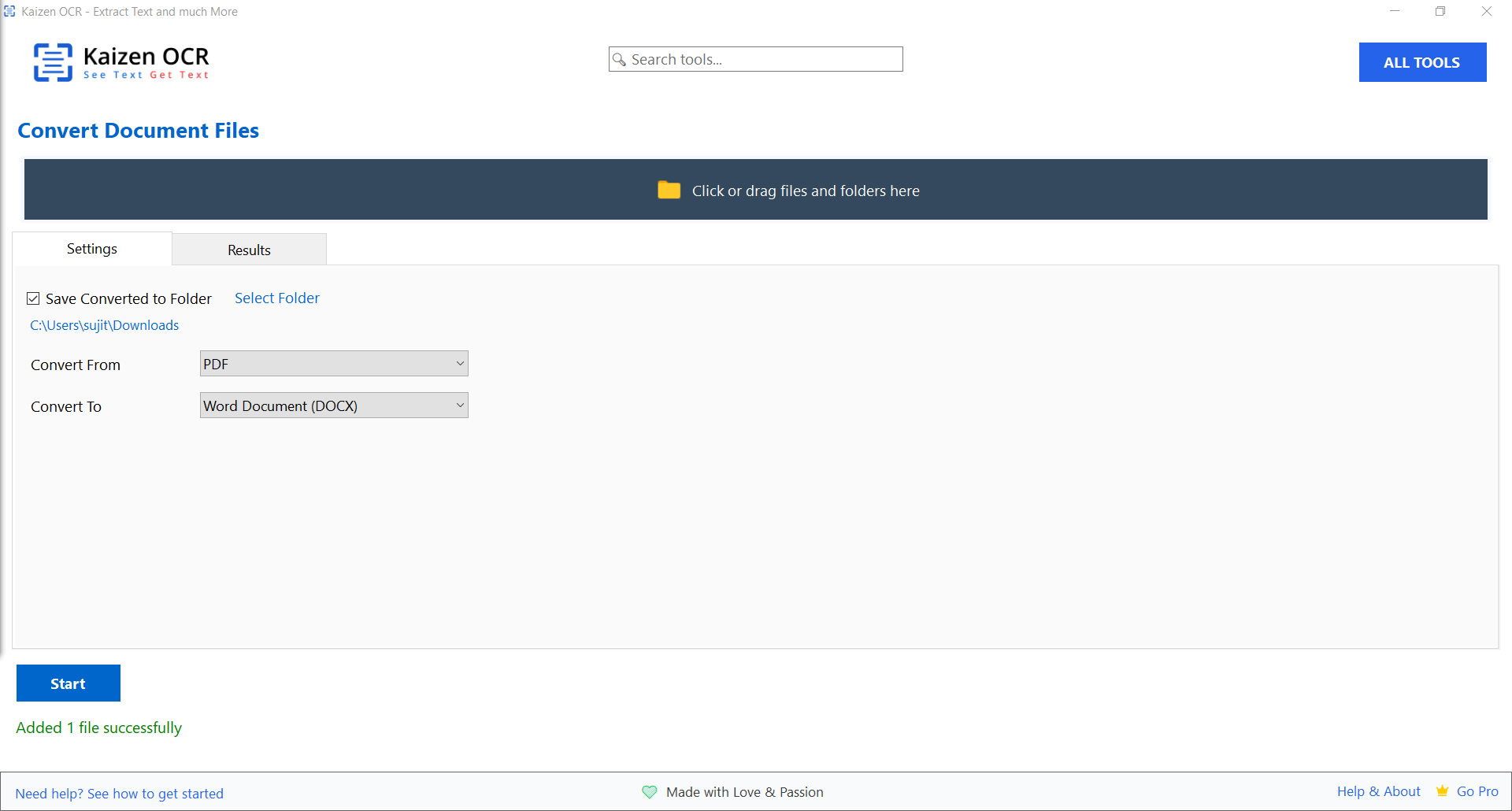
Extract all embedded images from PDF files in their original quality. Perfect for recovering photos, graphics, and illustrations from documents.
Trusted by professionals across industries for their document processing needs.
Digitize contracts, invoices, and reports
Extract text from textbooks and papers
Process legal documents securely
Digitize medical records privately
Extract data from receipts and invoices
Digitize historical documents
Extract multilingual text easily
Organize personal documents
Extract text in virtually any language with our comprehensive OCR engine
Browse through screenshots of all features and see how easy it is to use.
See how Kaizen OCR compares to online OCR services and other desktop software.
| Feature | Kaizen OCR | Online OCR Services | Other Desktop Apps |
|---|---|---|---|
| 100% Offline Operation | ✓ | ✕ | ✓ |
| Complete Data Privacy | ✓ | ✕ | ✓ |
| Unlimited Batch Processing | ✓ | ✕ Limited | ✕ Often Limited |
| AI-Powered Table Extraction | ✓ | ✓ Premium Only | ✕ |
| 100+ Language Support | ✓ | ✓ | ✕ Limited |
| PDF Tools (Merge, Split, Password) | ✓ | ✓ Separate Tools | ✕ Extra Cost |
| One-Time Purchase Option | ✓ | ✕ Subscription | ✓ Often Expensive |
| Free Version Available | ✓ | ✓ Very Limited | ✕ Trial Only |
Start free and upgrade when you need unlimited access. No hidden fees, no subscriptions required.
Perfect for trying out all features
Best value for regular users
One-time purchase, use forever
Join thousands of satisfied users who trust Kaizen OCR for their text extraction needs.
"Finally, an OCR tool that works completely offline! I process hundreds of confidential documents daily, and knowing my data never leaves my computer gives me peace of mind."
"The AI-powered table extraction is a game-changer! I used to spend hours manually copying data from scanned invoices. Now Kaizen OCR extracts tables perfectly in seconds."
"I work with documents in multiple languages—English, Japanese, and Chinese. Kaizen OCR handles all of them beautifully. The multi-language OCR feature is incredible."
Got questions? We've got answers.
Download Kaizen OCR free and experience the power of offline OCR with AI-powered accuracy. No credit card required.